Deep dives
Main menu
A shooter-style front end: tabs down the left, the selected screen in a glass panel, and your player standing on the field at the blue start, with the camera moving to a new shot for each tab.
01The screens
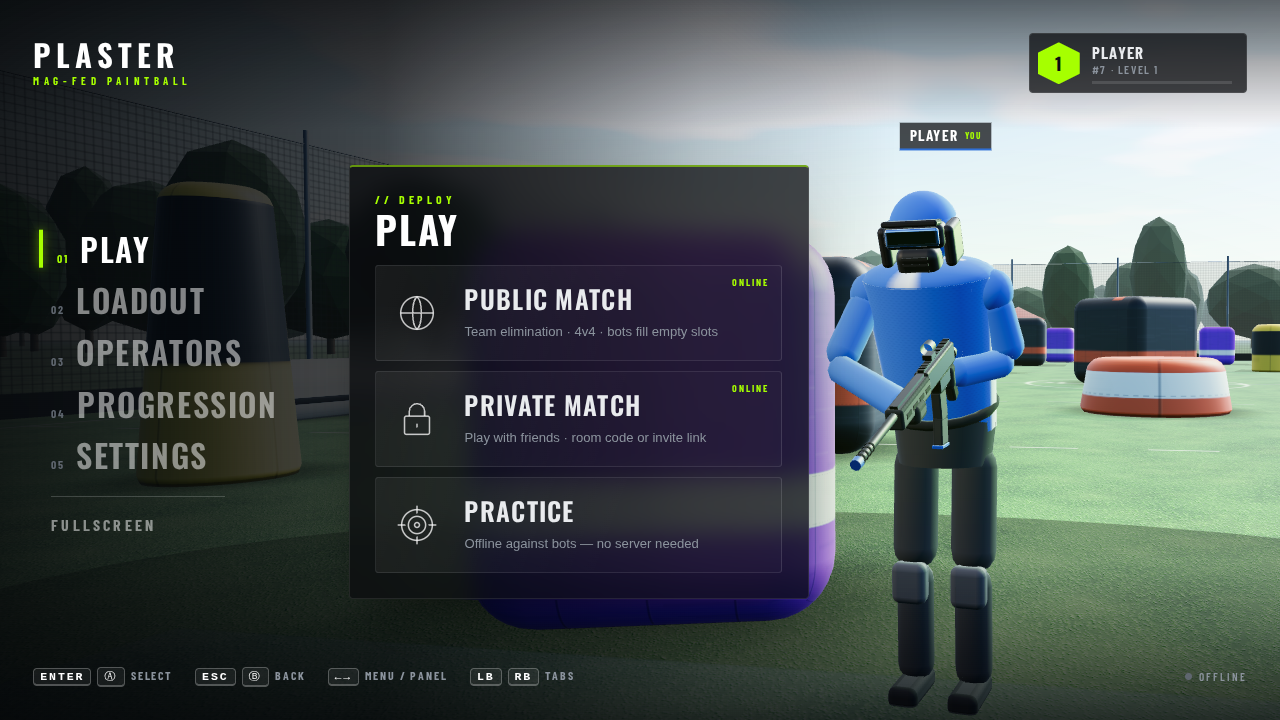 Play
Play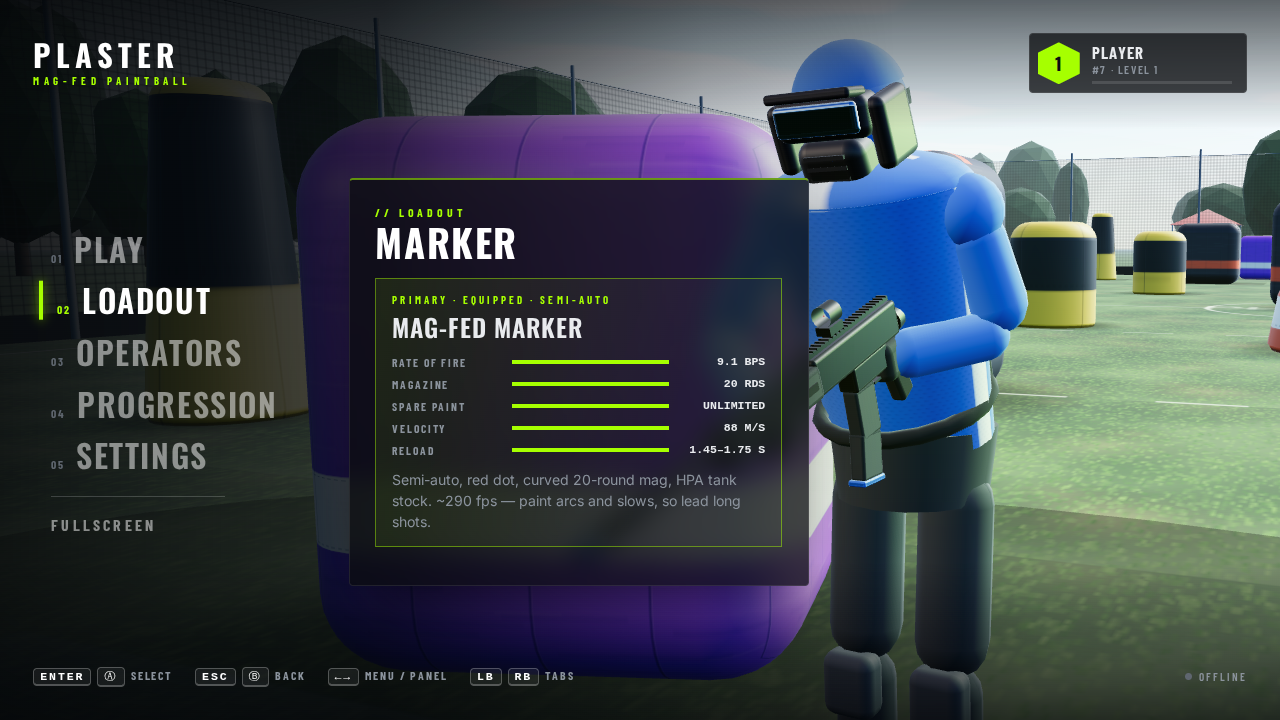 Loadout
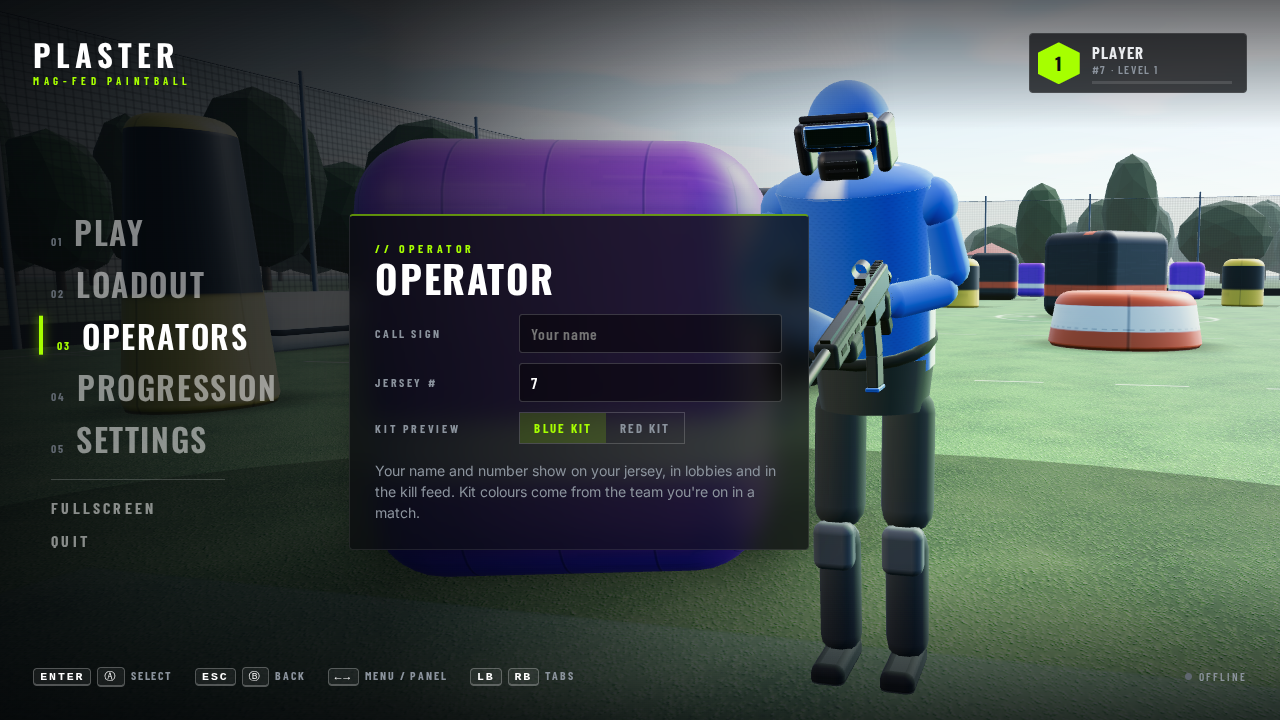 Operators
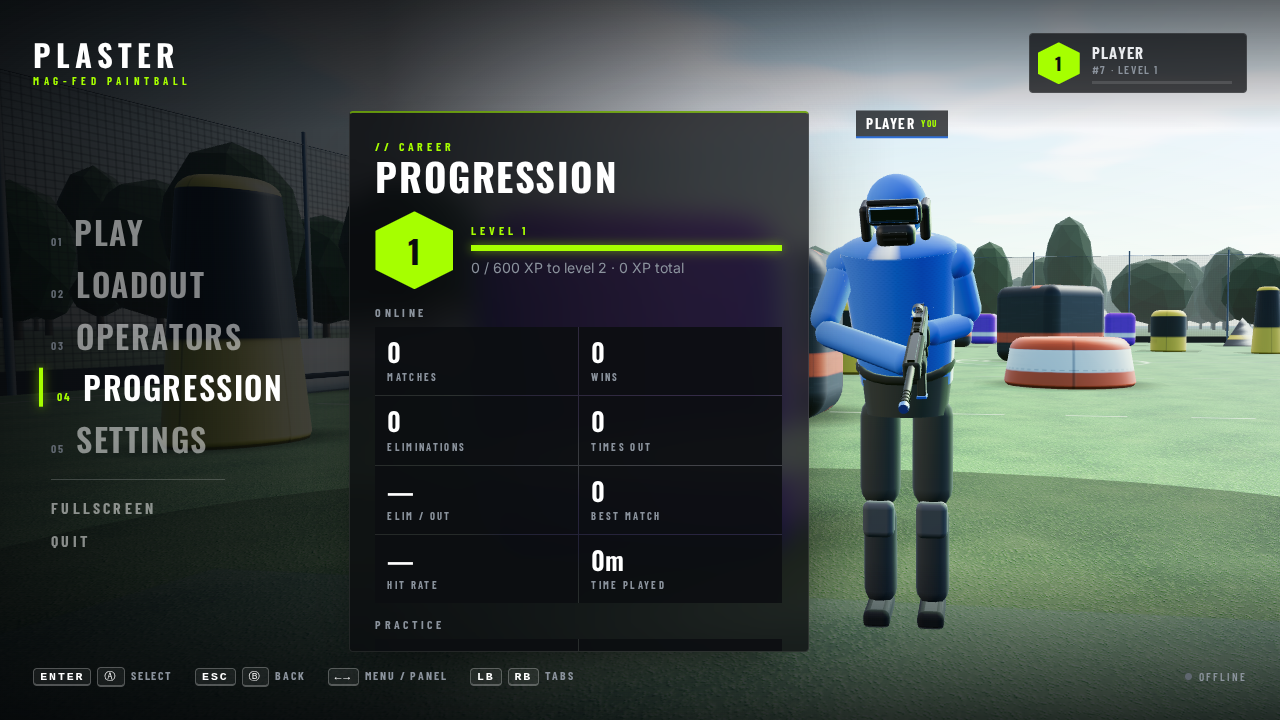 Progression
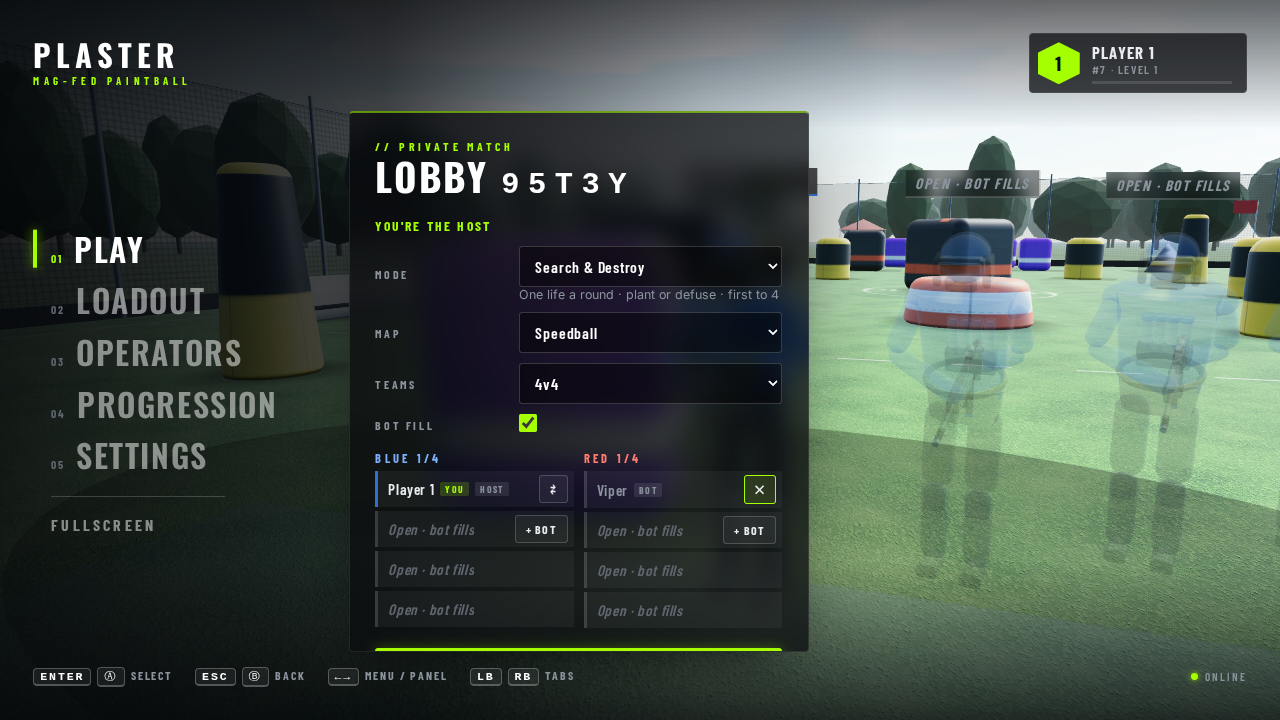 Lobby
Lobby| Play | Public Match (matchmaking), Private Match (create a lobby or join by code) and Practice (the offline game against bots, on a map you pick: see Maps). See Multiplayer. |
|---|---|
| Loadout | Pick a marker: the stock mag-fed marker or any made in POE. Shows rate of fire, magazine, spare paint, velocity, reload and firing mode. The pick is used in practice and online, and your figure in the menu and lobby holds it, as do your teammates' figures in a lobby (each with the marker they picked). |
| Operators | Call sign and jersey number. Both show in lobbies and online matches; the server uses your number instead of a random one. |
| Progression | Level and XP, then online stats (matches, wins, eliminations, times out, elim/out, best match, hit rate, time played) and practice stats. |
| Settings | Mouse and controller look speed, invert look, field of view, volume, and an optional FPS counter and ping readout (top left while playing; ping in online matches). Reset to defaults keeps your name and number. |
| Fullscreen | Toggles fullscreen. (Quit and the Task board link were removed on 2026-10-16; the task board is at /tasks.html and linked from POE.) |
02The 3D lobby
Same character model and marker as in a match, standing at the blue start between the base bunkers, under a darker grade with a warm key light and a lime rim light. Name plates float over each figure. The camera eases between four shots and drifts slightly:
| Hero | You, just right of the panel (Play, Private Match, Progression, Settings). |
|---|---|
| Lineup | Your team in an echelon, you in front and each teammate a step back and to the right (Public Match, lobbies). |
| Operator | Full body, slowly turning (Operators). |
| Loadout | Close on the marker (Loadout). |
03XP and levels
| Online | 100 XP per elimination, 250 per match played, plus 500 for a win or 250 for a draw. |
|---|---|
| Practice | 25 XP per elimination. |
| Levels | Level n needs 600 · n(n+1)/2 XP in total: 600 for level 2, 1,800 for level 3, 3,600 for level 4 … |
| Stored | In this browser (localStorage), not on the server yet. Time played counts only while actually playing. |
04Controls
| Mouse | Click anything. |
|---|---|
| Keyboard | ↑ ↓ move, ← → switch between the tabs and the panel, Enter select, Esc back. |
| Controller | D-pad or left stick move, Ⓐ select, Ⓑ back, LB / RB switch tabs. Left / right also adjusts sliders. |