Deep dives
POE
The Plaster Object Editor makes and manages assets and their gameplay settings. It starts with markers: every value you set there is the value the game and the multiplayer server actually play with. The map editor places things in the world; POE decides what they are.
01Opening it
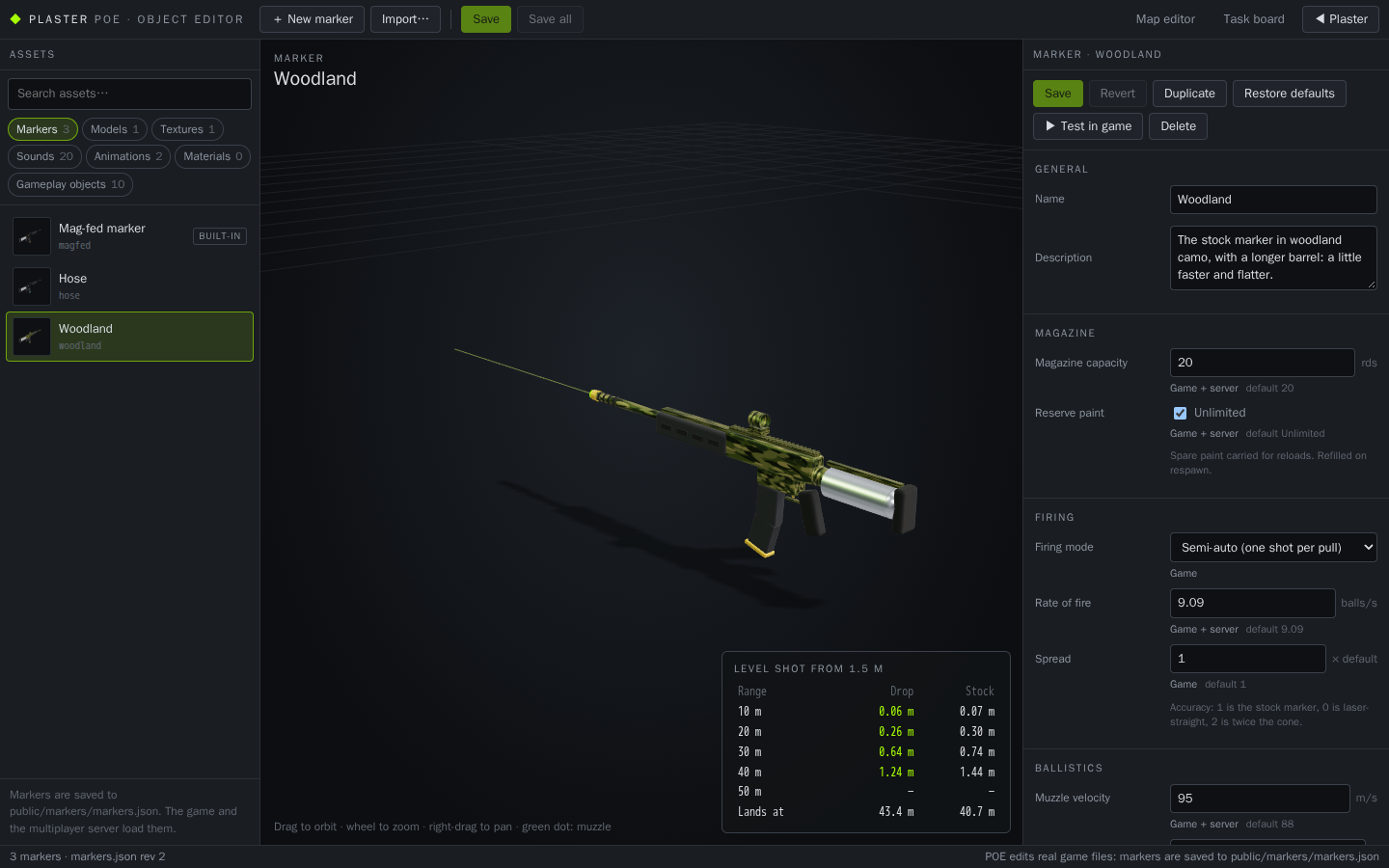 POE
POE| Where | http://localhost:5173/poe.html while npm run dev runs. Also: File › Manage assets in POE in the map editor, and the task board's links. (The game has no links to the dev tools.) Dev only: production builds don't include it. |
|---|---|
| Layout | Toolbar (new marker, import, save, links to the map editor, the task board and back to Plaster), asset browser with search and categories, 3D preview (drag to orbit, wheel to zoom), properties panel. |
| Categories | Markers, Models, Textures, Sounds (built-in and imported), Animations (clips inside imported models), Gameplay objects (the built-in bunkers and props, read-only; placed in the map editor), Materials (explains where materials live; no standalone materials yet). |
02Markers
| Manage | New (from the stock settings), Duplicate, rename (the id stays, so loadouts keep working), Delete, Revert, Restore defaults. The built-in Mag-fed marker can be edited and reset but not deleted. |
|---|---|
| Magazine | Capacity (1–200 rds), reserve paint (unlimited, or 0–5000 rds, refilled on respawn). Game + server. |
| Firing | Mode: semi-auto, burst (2–10 shots) or full-auto. Rate of fire (0.5–30 balls/s, game + server). Spread (accuracy, ×0–5 of the stock cone, game). |
| Ballistics | Muzzle velocity (20–150 m/s), air drag, drop (× gravity). Game + server: every ball carries its own drag and gravity, so all players see it fly the same way. |
| Reload | Empty and tactical reload times (0.3–8 s); the reload animation and sounds stretch to fit. Game + server. |
| Look | The built-in model with body / accent colours and an optional body texture, or an imported model with scale, offset, rotation and muzzle point (Fit model to hands places it for you). First person. |
| Sounds | Fire, dry fire and the three reload sounds: built-in or imported. The shooter hears them; others hear the built-in shot for now. |
| Animations | Fire and reload clips from the imported model's GLB. |
| Damage | Not a setting: Plaster plays on paintball rules, one hit and you're out. |
| Saving | Unsaved markers show ● (and the tab title); unsaved edits are also kept in the browser so a refresh doesn't lose them. Invalid values are marked and can't be saved; the dev server checks again with the same rules. A save is refused if the file changed elsewhere since POE loaded it. Every save backs up the previous file to map-backups/markers/. |
| Stored | public/markers/markers.json, read by the game and the multiplayer server. No file, or a broken entry, means the built-in values, so the game never breaks on a bad edit. |
03Using a marker in the game
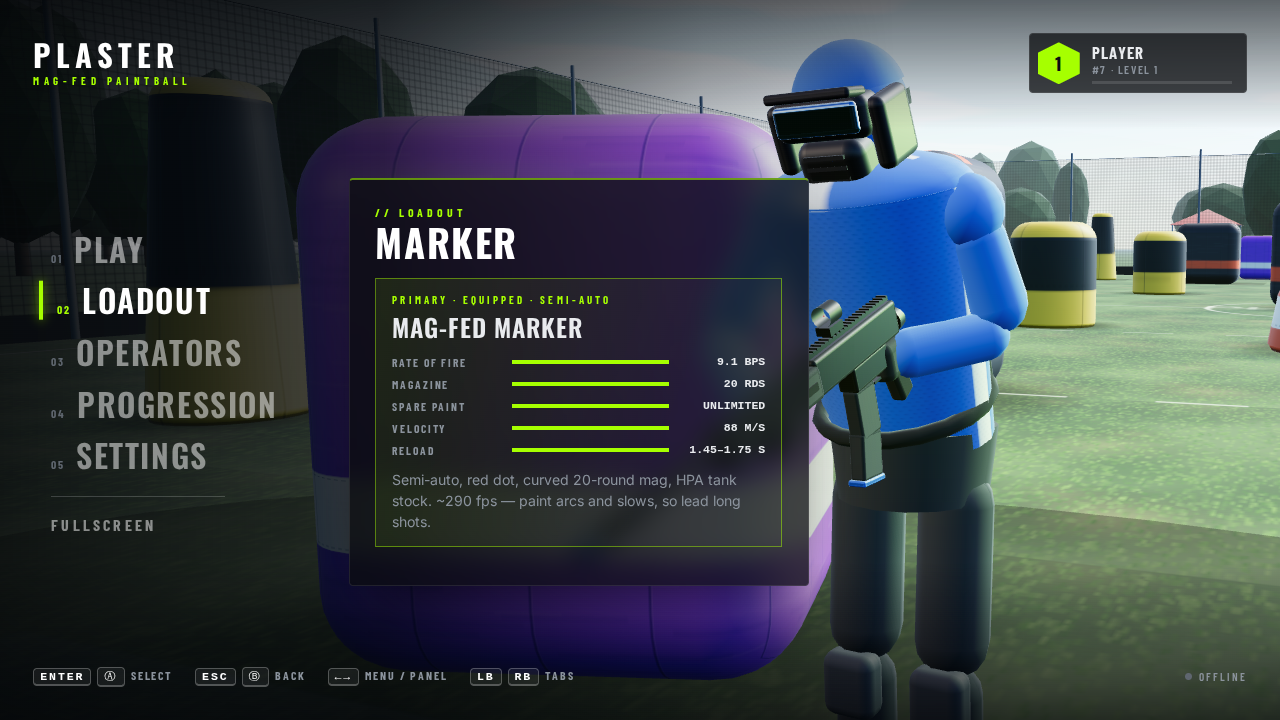 Loadout
| Pick | Main menu › Loadout. Or open /?practice&marker=<id> (POE's ▶ Test in game does this). |
|---|---|
| Online | Your marker id goes to the server, which looks it up in its own copy of markers.json and runs your shots, rate limit, reloads and reserve with it. It sends those stats back and the game uses them, so client and server always agree. Unknown ids get the built-in marker. |
| Unchanged | The built-in marker's values are the old constants exactly (20 rds, 0.11 s, 88 m/s, drag 0.012, 1.75 / 1.45 s reloads), so nothing changed for anyone who doesn't pick another marker. |
04Importing assets
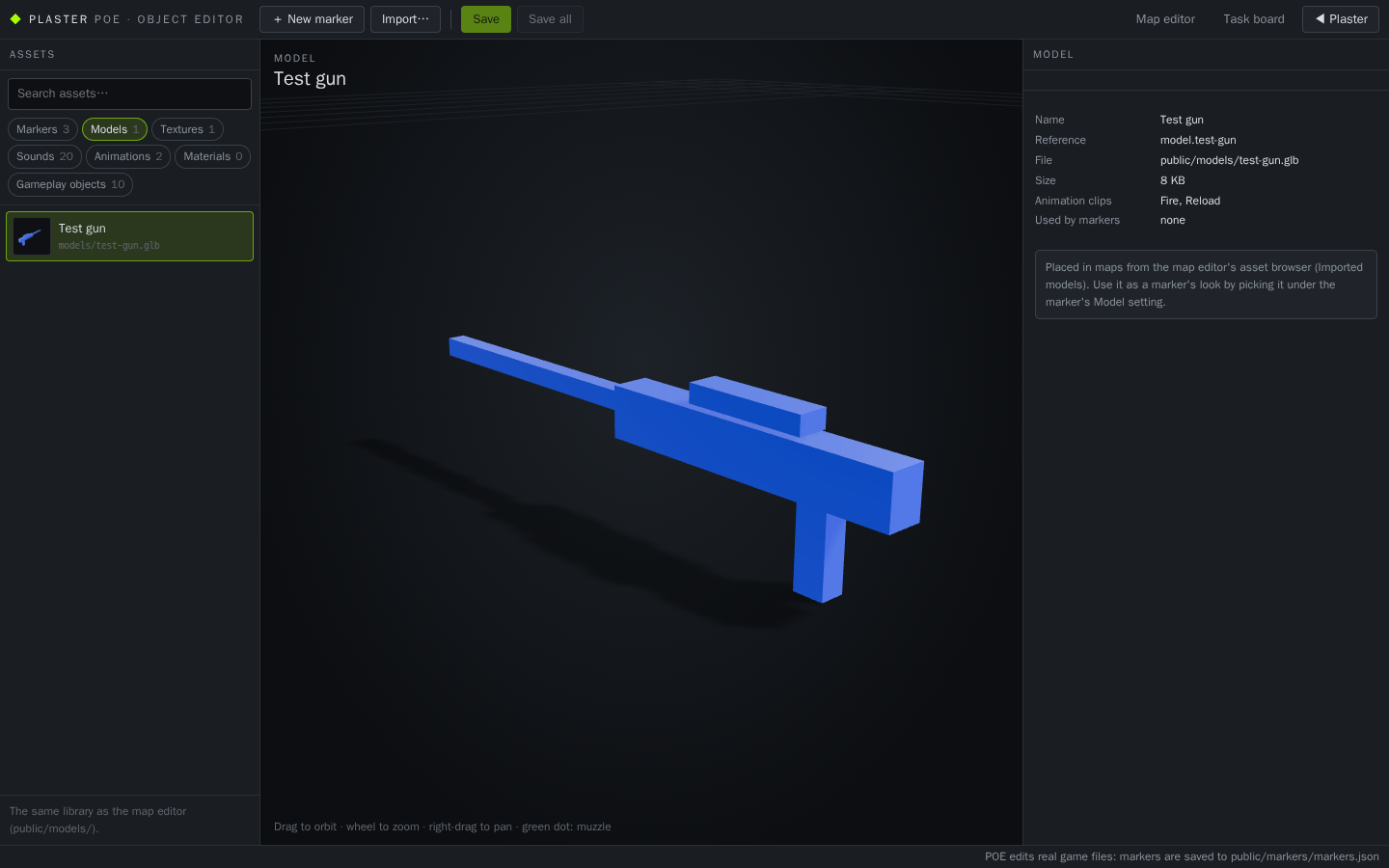 Models
| Models | .glb, or .gltf picked together with its .bin and textures (converted to one .glb in the browser). Checked by loading it before anything is stored. Goes into the same library as the map editor's imports: public/models/. |
|---|---|
| Textures | .png, .jpg, .webp up to 8192 px, in public/textures/. Used as a marker's body texture. |
| Sounds | .wav, .mp3, .ogg (decoded in the browser first), in public/sounds/, with a waveform preview. Used for marker sounds. |
| Not supported | .fbx, .obj, .blend and other model formats: POE says to export glTF Binary from Blender. Standalone animation files and standalone materials. |
| Safety | The dev server checks each file's contents match its type. The same file is never stored twice (POE uses the copy already there). An existing id is only replaced if you choose Replace, and the old file is backed up. Files live in the project, never only in the browser. |
| Rename / delete | Each imported model, texture and sound has Rename… (the name only: the id stays, so maps and markers keep working) and Delete…. Delete is refused while a saved map or marker (or an unsaved marker in POE) uses it, naming them; otherwise the file is backed up to map-backups/ and removed. |
| Missing assets | If a marker points at a model, texture or sound that's gone, the game uses the built-in one and warns in the console; POE marks the marker missing. |
| Map editor | Models imported in POE appear in the map editor's asset browser (Imported models), and appear in an open editor as soon as its tab is focused again. The reverse works too. |
05Not done yet
Tracked on the task board: other players and the menu lobby still show the built-in marker (T-43) and hear the built-in shot (T-44); rules for which markers public matches allow (T-45); switching marker mid-match (T-46); hand positions for imported models (T-47); standalone materials (T-49); more animation slots (T-50); bots with markers (T-51); production builds read the markers file copied at build time (T-52).